Top AI Image Generators in 2025: Strengths, Weaknesses, and Pricing
A concise, practical comparison of today’s leading AI image generators—what each does best, where they struggle, and how they’re priced.

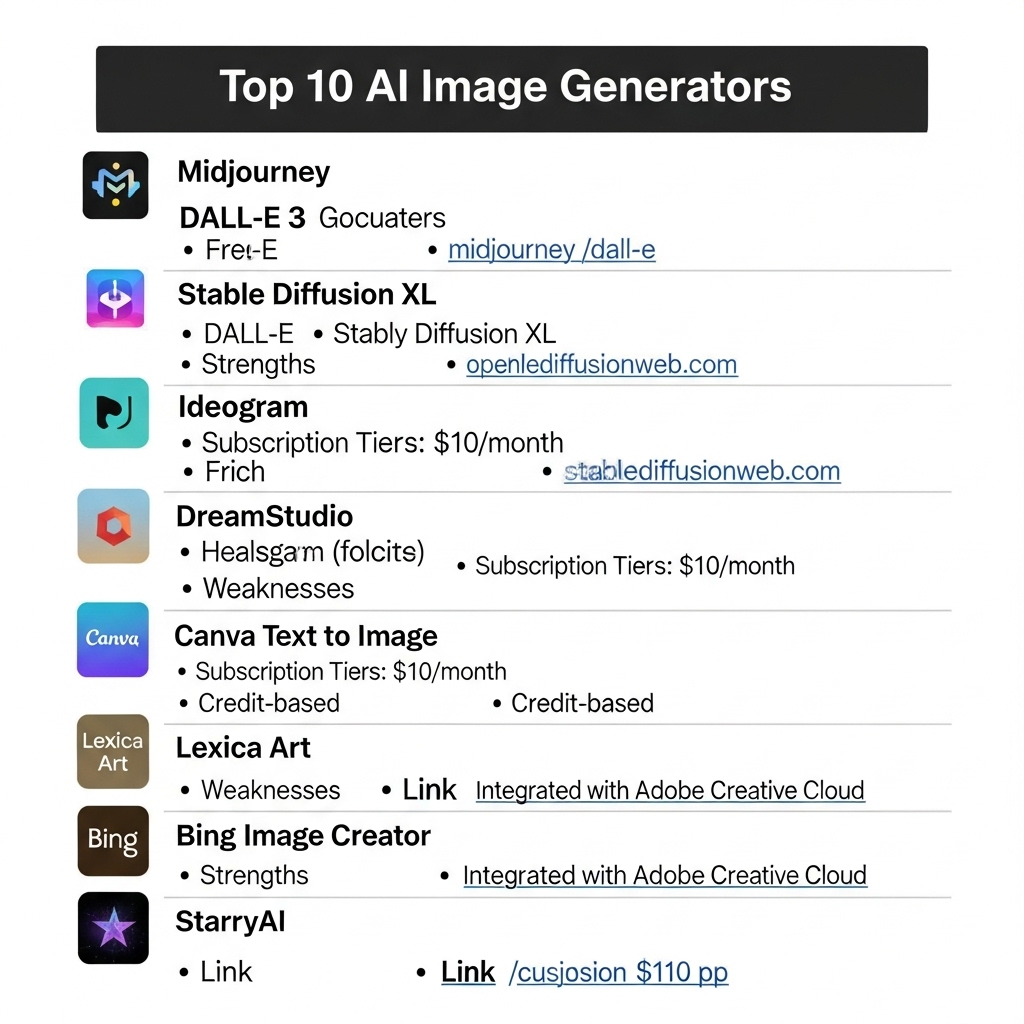
AI image generation has matured fast. Below is a no‑fluff guide to the tools I actually recommend or reach for—what they’re great at, their trade‑offs, and how much they cost. I’ve kept the format consistent so you can scan quickly and pick the right tool for your job.
MidJourney
- 🦾 Strengths: Beautiful, polished visuals with excellent composition, lighting, and style variety—fantastic for photorealism and stylized art.
- 🪫 Weakness: Prompt adherence can drift; text rendering and anatomy are hit‑or‑miss for precise scenes.
- 🤑 Pricing: From $10/mo (Basic, ~3.3 Fast GPU Hours); higher tiers ($30–$120) add more fast time and features like Stealth Mode.
- 💻 Website: midjourney.com
Seedream 3.0 (Dreamina)
- 🦾 Strengths: Very fast high‑res output (up to 2K); great bilingual text rendering (EN/ZH) and strong prompt adherence for detailed scenes.
- 🪫 Weakness: Long passages of text and complex, multi‑object consistency can falter.
- 🤑 Pricing: ~150 free credits/day (up to ~50 images) via Dreamina; premium plans available for commercial use (details vary).
- 💻 Website: dreamina.capcut.com
Flux 1.1 Pro Ultra
- 🦾 Strengths: Excellent prompt adherence; handles complex scenes, realistic textures, and multiple styles (photo/digital art) with control.
- 🪫 Weakness: Intricate text and highly abstract prompts may introduce artifacts in dense compositions.
- 🤑 Pricing: Available via platforms (e.g., ~$0.055 per image on Fal.ai for Pro; playground credits ~ $0.04/image) — pricing varies by host.
- 💻 Website: playground.bfl.ai
KREA‑1
- 🦾 Strengths: Real‑time generation with an intuitive UI; strong style/character consistency; vector‑friendly outputs for design workflows.
- 🪫 Weakness: Text rendering can be inconsistent, especially with complex fonts or multilingual typography.
- 🤑 Pricing: Free tier available; Pro from ~$10/mo (higher tiers unlock faster processing and commercial rights).
- 💻 Website: krea.ai
Ideogram
- 🦾 Strengths: Best‑in‑class for legible, stylized text in images—great for logos, posters, and graphic design with clean, balanced compositions.
- 🪫 Weakness: Less flexible for hyper‑real or heavily stylized art vs. MidJourney/Flux; complex scenes can be uneven.
- 🤑 Pricing: Free: ~25 prompts/day (40 images). Plus: ~$8/mo. Pro: ~$20/mo with larger daily allowances.
- 💻 Website: ideogram.ai
Recraft
- 🦾 Strengths: Vector‑first generation (SVG), logos, icons, illustrations; brand‑consistent styles; handy pro tools (mockups, bg removal, inpainting).
- 🪫 Weakness: Photorealism is weaker than MidJourney/Flux; complex text placement can be uneven.
- 🤑 Pricing: Free plan (~50 daily credits, public). Pro from ~$12/mo for private generations, high‑res exports, and commercial use.
- 💻 Website: recraft.ai
ChatGPT Image Generator
- 🦾 Strengths: Outstanding prompt adherence and iterative editing via chat—great for abstract/creative compositions and precise revisions.
- 🪫 Weakness: Photorealism trails MidJourney; edits can sometimes affect unintended regions.
- 🤑 Pricing: Included with ChatGPT Plus (~$20/mo) for generous usage; limited free access available.
- 💻 Website: chatgpt.com
Also worth considering (commonly featured alongside the above)
Adobe Firefly
- 🦾 Strengths: Adobe Firefly, integrated with Adobe's Creative Cloud, delivers high-quality, commercially safe images optimized for professional design, excelling in photorealistic textures, vibrant colors, and seamless editing within tools like Photoshop and Illustrator. Its generative fill and text-to-vector features enable precise, brand-aligned outputs for marketing and creative projects. If you think AI art is theft, use this model.
- 🪫 Weakness: Less versatile for highly stylized or abstract art compared to MidJourney or Flux, and its reliance on Adobe's ecosystem can feel restrictive for users seeking standalone functionality.
- 🤑 Pricing: Free tier offers 25 credits/month; Premium plans start at $4.99/month (100 credits) within Creative Cloud; enterprise pricing varies.
- 💻 Website: adobe.com/firefly
Leonardo - Lucid
- 🦾 Strengths: Leonardo - Lucid, powered by the Lucid model, excels in creating high-quality, photorealistic, and stylized images with strong prompt adherence, particularly for character-driven art, gaming assets, and concept design. Its unique features like 3D texture generation, motion video creation, and extensive style presets make it a favorite for creators needing versatile, professional-grade outputs.
- 🪫 Weakness: Can struggle with complex text rendering and intricate multi-object scenes, and its processing speed is slower than competitors like Flux for high-volume tasks.
- 🤑 Pricing: Free tier offers 150 credits/day (about 30 images); paid plans start at $10/month (650 credits, commercial use) up to $30/month for premium features.
- 💻 Website: leonardo.ai
Stable Diffusion (SDXL + A1111/Comfy)
- 🦾 Strengths: Open ecosystem, full local control, node‑based workflows (ComfyUI), fine‑tuning, LoRAs, and unlimited experimentation.
- 🪫 Weakness: Setup/maintenance can be technical; quality depends on model choice and prompt craft.
- 🤑 Pricing: Free to run locally (hardware costs apply); hosted options charge per image or compute time.
- 💻 Website: stability.ai
Google Gemini Image
- 🦾 Strengths: Clean, high‑quality generations with solid prompt adherence and Google‑grade safety; simple UX and quick iterations via the Gemini interface.
- 🪫 Weakness: Fewer advanced controls than pro tools; style range and fine art aesthetics can feel more limited vs. MidJourney/Flux.
- 🤑 Pricing: Free tier offers up to 100 edits/day; paid Gemini plans allow 1,000 edits/day; API access via Google AI Studio or Vertex AI, pricing varies (e.g., $0.039/image).
- 💻 Website: gemini.google.com
DreamStudio (Stability AI)
- 🦾 Strengths: Straightforward web UI for Stable Diffusion with granular controls (steps, guidance, samplers), plus inpainting, image‑to‑image, and upscaling.
- 🪫 Weakness: Output quality varies by model and settings; text rendering and complex scene coherence require tuning.
- 🤑 Pricing: Credit‑based, pay‑as‑you‑go with free credits on signup; total cost depends on resolution/steps and usage.
- 💻 Website: dreamstudio.ai
Canva Text to Image
- 🦾 Strengths: Seamlessly integrated into Canva’s editor with presets/styles, Magic Edit, Background Remover, and instant export to social, decks, and marketing assets.
- 🪫 Weakness: Less artistic control than dedicated art models; outputs can feel templated for fine‑art use cases.
- 🤑 Pricing: Free plan with limited daily uses; Canva Pro unlocks more generations and advanced tools; Teams/Enterprise options available.
- 💻 Website: canva.com
Lexica Art
- 🦾 Strengths: Fast, aesthetic‑leaning generations with access to prompt/style search; great for exploring looks and iterating quickly.
- 🪫 Weakness: Photorealism and complex scene accuracy can lag behind top models; fewer pro‑grade controls.
- 🤑 Pricing: Free with limits; paid plans available for higher quotas and features.
- 💻 Website: lexica.art
Bing Image Creator
- 🦾 Strengths: Easy, quick generations (DALL·E‑powered) right from Bing/Edge; good for simple concepts and social visuals.
- 🪫 Weakness: Limited controls and consistency vs. pro tools; quality varies by prompt.
- 🤑 Pricing: Free to use with Microsoft account; daily boosts/quotas apply.
- 💻 Website: bing.com/images/create
Microsoft Image Creator (Designer)
- 🦾 Strengths: Integrated with Microsoft Designer/Copilot workflows; convenient for marketing assets, presentations, and quick comps.
- 🪫 Weakness: Fewer advanced tuning knobs; occasional artifacts in complex prompts.
- 🤑 Pricing: Free tier with usage limits; enhanced access via Microsoft accounts and Designer plans.
- 💻 Website: designer.microsoft.com/image-creator
StarryAI
- 🦾 Strengths: Mobile‑friendly app with multiple artistic models/styles and an active community; simple controls for eye‑catching art.
- 🪫 Weakness: Photorealism and fine detail trail top‑tier models; daily limits can constrain power users.
- 🤑 Pricing: Free with credit system; paid tiers add higher limits and features.
- 💻 Website: starryai.com
How to choose quickly
- 🎨 Need gorgeous visuals fast: MidJourney, Flux
- 🧾 Text in images: Ideogram
- 🧩 Iterative edits via chat: ChatGPT Image
- 🧭 Control + local workflows: Stable Diffusion (Comfy/A1111)
- 🧑🎨 Brand/Vector design: Recraft, Krea
- ⚡ Fast high‑res: Seedream (Dreamina)
- 🧰 Adobe stack: Firefly
Have a favorite I missed from your image list? Tell me and I’ll add it with the same quick‑scan format. Happy generating!
Share this post
Help others discover this content by sharing it on your favorite social networks!
Subscribe to my Newsletter
Stay informed with the latest updates and insights.
We'll never share your email with anyone else.
admin
Senior Fullstack Developer
Thank you for reading my blog post! If you found it valuable, please consider sharing it with your network. Want to discuss your project or need web development help? Book a consultation with me, or maybe even buy me a coffee ☕️ with the links below. Your support goes well beyond a coffee drink. Its a motivator to keep writing and creating useful content.
Related Posts
All essays →- Oct 15, 2026
Free AI from NVIDIA: a practical guide to build.nvidia.com
- Oct 9, 2026
Nominated as Business Innovator: a letter I opened standing up
- Oct 8, 2026
Mistral Large 4: Europe finally has a frontier model of its own
- Jan 25, 2026
Nvidia's AI Empire: How Jensen Huang Built the Future of Computing